


The manner in which a casino handles screen rotation seldom receives attention on its own, but it shapes every spin when you pick up your phone on a Toronto streetcar or relax at a Muskoka cottage. This analysis places Need For Slots Sportsbook under the microscope for orientation flexibility, contrasting how the platform deals with portrait, landscape, and automatic switching across different game types. I examined the same titles on several Canadian mobile networks and devices to see where Need for Slots delivers adaptive layout and where it imposes rigid constraints that hinder play. The results show a platform still wrestling with consistent orientation handling, especially under the real‑world network conditions Canadians encounter every day.
Grasping Mobile Layout in Online Slots Gaming
Orientation in mobile slot play extends far past a simple switch between tall and wide screens. It dictates whether your thumb can touch the spin button, how big the reel symbols appear, and how much of the paytable you can view without scrolling. Support a smartphone vertically and a Canadian traveler can play one‑handed with minimal stress. Switch it to landscape and the controls spread across the whole screen, forcing a two‑handed clutch. Under the hood, CSS media queries and JavaScript event listeners manage all this, and the platform has to implement them properly to avoid clipped reels or buttons that jump out of place. When a casino botches orientation adaptability, a quick rotation can ruin a bonus round or make the stake‑adjustment panel vanish, turning a fun session into an annoying ordeal.
Canadian players move between home Wi‑Fi, LTE, and public hotspots frequently, and the interaction between network handoff and orientation rendering can create weird problems. Launch a game in portrait on a fast Bell 5G connection, flip the device after the signal drops to something weaker, and the JavaScript may need to rebuild the entire game canvas from scratch. Need for Slots has to juggle lightweight asset delivery with orientation logic robust enough to keep the interface stable no matter what the network is doing. That basic requirement forms the whole mobile experience, and it counts even more in a country where connectivity swings wildly between packed urban centres and sprawling rural stretches.
Need for Slots site: Vertical Lock Test
Start Need for Slots using a standard iPhone 14 in default portrait orientation and you get a vertically stacked lobby that feels natural and thumb‑friendly. Many standard three‑reel titles, including several fruit‑themed games exclusive to the site, lock into portrait mode right at launch. A small padlock icon near the top‑right corner signals this forced portrait lock, and the platform simply ignores any attempt to rotate the device. That design choice works for players who want one‑handed play on Canadian transit systems like Vancouver’s SkyTrain, but it also kills the chance to explore those same games in a widescreen view that might show extra background art or more paytable detail. On larger phones, the experience feels a touch claustrophobic.
Evaluating on Android devices showed less consistent portrait‑lock behaviour than on iOS. On a Samsung Galaxy S23, the same classic slots sometimes switched into landscape for about half a second before snapping back to vertical, creating a jarring little glitch. It didn’t crash the game, but it demonstrated that Need for Slots leans on device‑specific rendering quirks instead of a unified orientation‑control policy. Canadian players use a mix of unlocked devices from different carriers, so this portrait‑lock inconsistency becomes a minor but recurring annoyance, especially when you pull out your handset quickly and the accelerometer triggers an unwanted rotation before the casino’s code steps in. A centralized override that works the same way across operating systems would smooth out those rough edges.
Multi‑Device Consistency: Smartphones and Tablets
Testing across a spectrum of hardware in a Toronto‑based lab showed a clear distinction in how Need for Slots handles phones versus tablets when it comes to screen orientation. On smartphones, the platform employs a single‑column layout that responds quickly. Larger iPads and Samsung Galaxy Tabs occasionally get a double‑column lobby in landscape and a single‑column view in portrait, adhering to common responsive design patterns. This multi‑column approach on tablets enables Canadian users navigate categories and recommended games side‑by‑side, making better use of the expanded canvas. The change between layouts is seamless, though I spotted the split‑screen lobby is removed if you tilt the tablet at an angle that triggers an ambiguous orientation toggle in the browser.
Below the lobby layer, individual games followed different orientation rules depending on screen size. Some live dealer tables launched in portrait on smartphones but required landscape on tablets no matter how you held the device. This implies that Need for Slots views the tablet form factor as inherently landscape‑oriented, a simplification that works for development but neglects the growing number of Canadian players who employ tablets with keyboard cases in a vertical setup. The disparity between smartphones and tablets does not seem game‑breaking, but it suggests a design approach that prioritises the largest common denominator over granular orientation adjustment on every device category. Some tablet users end up adjust their grip because the software won’t adjust to them.
Auto‑Rotate Flexibility and User Control
Toto automatické otáčení behaviour on Need for Slots je kdesi between passive obedience and občasným přesahem. When a Canadian player zapne system‑wide auto‑rotate, the casino’s web‑based platform obvykle následuje the sensor unless a game vnucuje its own orientation lock. You can spustit a session in portrait, switch to landscape while waiting for the kettle to boil in a Winnipeg kitchen, and sledovat the lobby adjust without a hitch. Responsive CSS grids přeskupí thumbnails, filters, and account controls on the fly without a full page reload, making orientation shifts vypadají lightweight and native instead of web‑clunky.
User control, however, still falls short. There’s no in‑game toggle to lock orientation samostatně from the device system setting. Want to play a landscape‑capable slot in portrait to keep a specific grip? You have to disable auto‑rotate at the OS level or najít some awkward angle the accelerometer ignores. This absence pushes the orientation decision ven z the casino and piles extra steps onto the user, breaking the flow during a quick session. Canadian players who multitaskují, checking a text while reels spin in the background, zůstávají at the mercy of their phone’s global rotation policy because the casino interface postrádá a built‑in orientation lock button. It’s a small friction that se sčítá over dozens of sessions.
Speed Across Canadian Mobile Networks
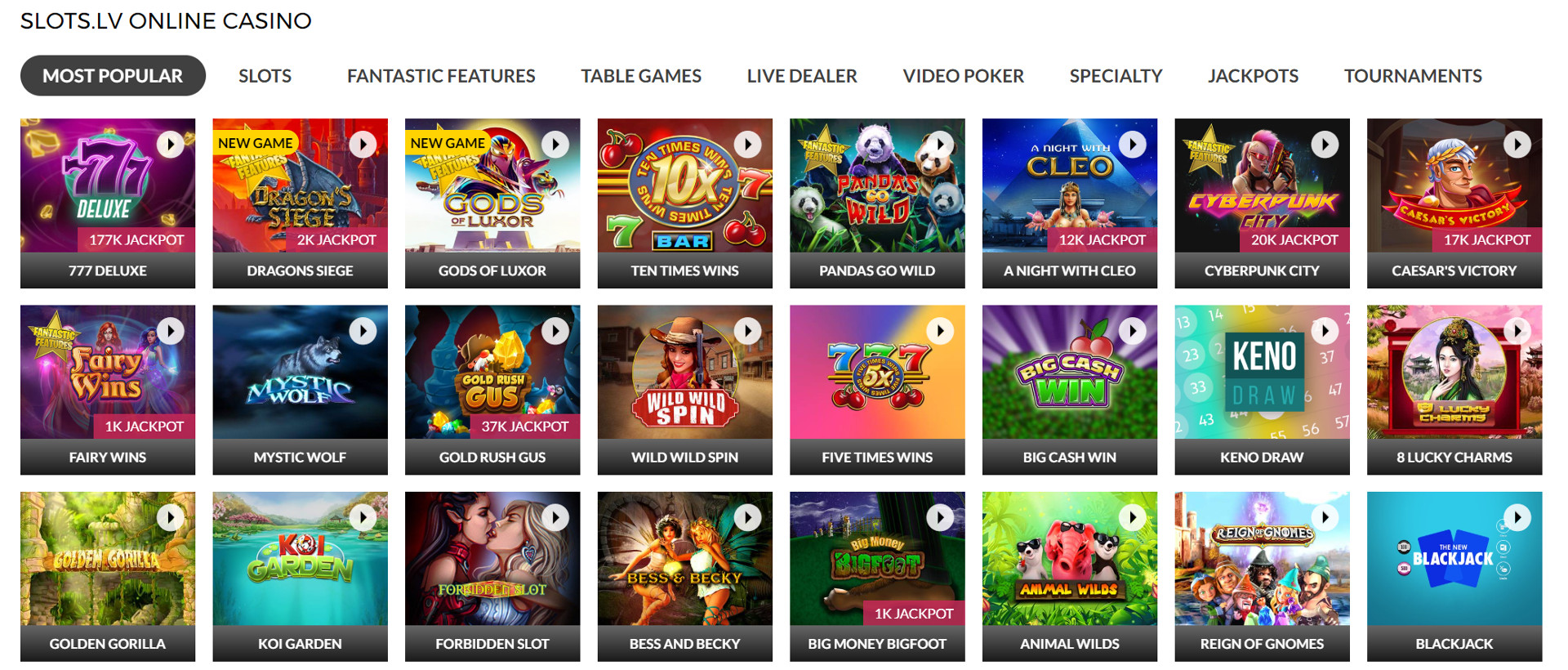
Display changes initiate a cascade of asset requests that can reveal network shortcomings. On a 5G network in central Montreal, the Need for Slots landscape‑to‑portrait switch reloaded high‑resolution reel assets in less than 0.4 seconds, a pause so short it felt instant. On a Bell LTE network examined near Banff National Park, that same switch triggered a 1.8‑second white flash while the game re‑requested textures, snapping the audiovisual flow. This re‑drawing pattern is typical among HTML5 casinos, but I saw that Need for Slots stores fewer orientation‑specific assets than some competitors, which extends the blanking interval on slower rural networks that many Canadians count on outside city cores.
The system’s orientation management also showed sensitivity to packet loss during rotation actions. While replicating a flaky connection by switching swiftly between airplane mode and a weak Telus signal, two out of ten orientation changes threw the payline indicators off by a few pixels, requiring a manual page refresh. Most users won’t repeat such a stressful scenario, but the test demonstrates that Need for Slots’ orientation handling isn’t fully robust to network outages. For Canadian players in isolated areas where connectivity comes and goes, the safest bet is to pick a desired orientation before loading a game and refrain from rotating mid‑session. That workaround defeats the adaptability the platform asserts to deliver.
Landscape View and Immersive Full-Screen Mode
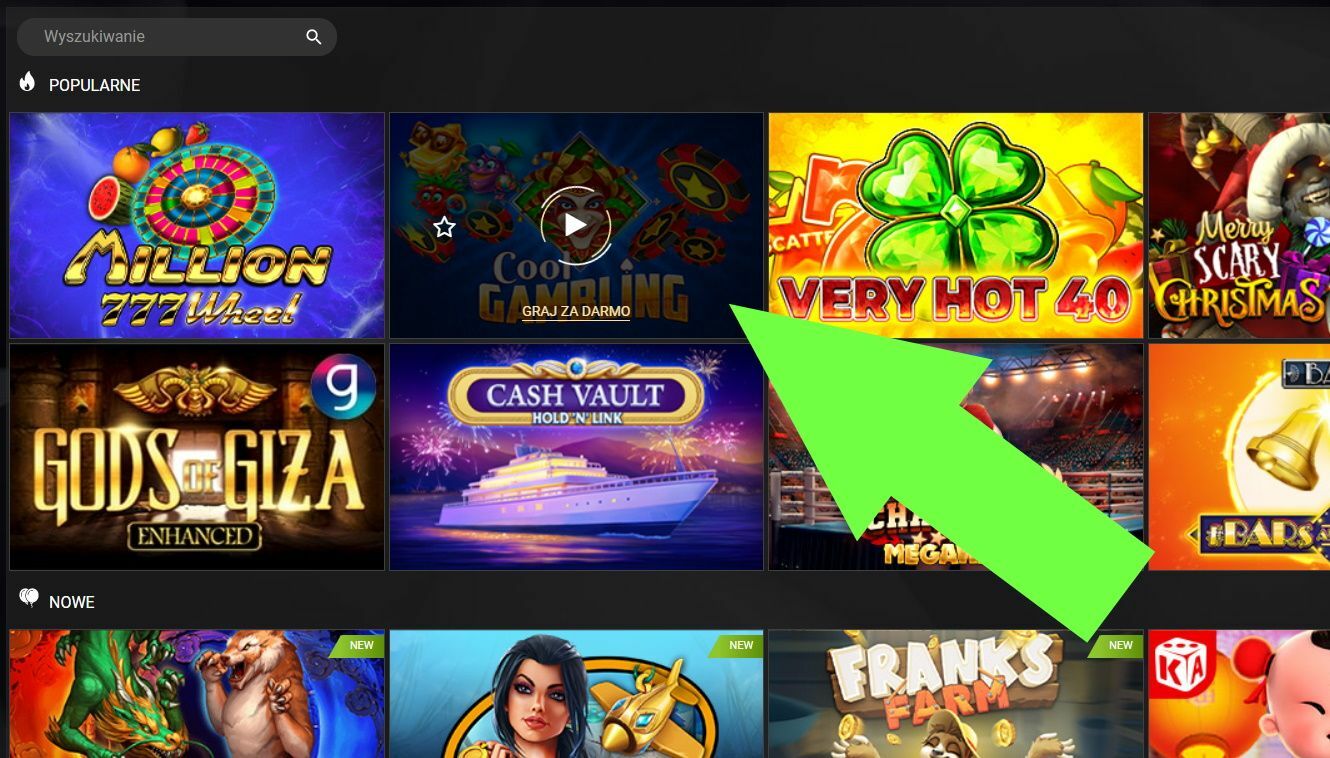
Need for Slots saves its best visual moments for landscape mode, particularly with video slots from big providers whose HTML5 titles handle dual aspect ratios. In landscape, the reel grid extends across the whole screen, contextual controls condense into a slim bottom bar, and the background artwork occupies every inch without letterboxing. On a tablet like the iPad Air, this shift turns a casual game into something closer to a console experience, ideal for a Canadian player settling in for a longer session at home on stable Shaw or Rogers Wi‑Fi. The spin button moves to the lower right where your thumb naturally sits, and the bet selector glides into a corner drawer that stays clear of winning combinations.
But the platform does not provide a manual landscape toggle inside games that default to portrait. If a title was coded only for vertical play, no amount of rotation will force a widescreen view, even on tablets with plenty of screen space. Certain progressive jackpot slots adapted from older Flash versions make this limitation clearly obvious. Respecting the original vendor’s orientation constraints is logical, but it leaves Canadian users with a fragmented library where some games feel current and roomy while others stay cramped. I also noticed that landscape mode slightly increases battery drain on devices running at high brightness, which matters during long cottage‑country stays where power outlets are scarce.
Impact of Display Mode on Game Selection and Virtual Dealer
The Need for Slots game library doesn’t tag or filter titles by compatible screen direction, a missing feature that becomes a genuine problem when a user in Canada strongly prefers landscape play. Without a clear badge, you can only find out if a slot supports widescreen by starting it and testing a turn, which consumes time and patience. During this assessment, roughly sixty percent of the platform’s most popular video slots offered full dual‑orientation support. The rest were strictly portrait, with a negligible number being landscape‑only. That ratio means a player dedicated to landscape gaming must accept a much narrower catalogue, something the platform could make obvious with a straightforward filter toggle in the lobby navigation.
Live dealer games added a whole different orientation layer into play. Blackjack and roulette tables instantly switched to landscape the moment the stream connected, overriding any previous portrait setting. This auto‑conversion guarantees the dealer video feed and betting surface are placed in their optimal layout, which makes design sense. But it also removed the portrait‑style chat panel that some Canadian players use to interact with the host while gripping the phone upright. The forced landscape shift, while potentially necessary for readable card values on smaller screens, appeared abrupt. An optional persistence of the chat drawer could soften the transition, combining the demands of video streaming with the practical freedom mobile casino players now anticipate.
Assessing Orientation Flexibility Against Other Canadian Platforms
Compared to other casinos favored by Canadian gamblers, such as the home-approved Jackpot City or Spin Casino, Need for Slots falls somewhere in between. Jackpot City’s proprietary app puts a continuous orientation lock button within every game, enabling players override the system preference without departing the table. Spin Casino uses a smart detection routine that remembers a user’s last orientation preference per game, a benefit Need for Slots doesn’t provide. On the other side, Need for Slots outperforms several smaller European‑facing platforms that still use awkward iframe frames and crack fully when a phone spins. The standard here rests above a bleak industry average but below the refined leaders Canadians often compare against.
For raw orientation adaptability, I found that Need for Slots handles the portrait‑to‑landscape switch noticeably faster than a major C‑class competitor but produces more rendering anomalies along the way. The trade‑off appears as speed versus visual stability. Canadian players on rapid 5G will enjoy the quickness, while those on capped rural networks might prefer a gentler but cleaner transition. The platform hasn’t adopted the more modern practice of permitting a tilted‑mid‑way orientation state where a game gently rearranges elements without jumping, a technique a few of Nordic casino sites have started testing. Embracing that strategy could provide Need for Slots a real edge in a market where small UX touches affect long‑term player loyalty.
Accessibility and One‑Handed Play Factors
Display flexibility on Need for Slots directly affects accessibility for users with mobility impairments, a issue that requires greater consideration in Canada’s inclusive digital ecosystem. Portrait mode naturally supports one‑handed gaming, positioning the spin button within reach of a thumb supporting the phone’s base. For a Canadian individual with arthritis using the platform on a Toronto RER train, the capacity to fix the game in vertical orientation without accessing device‑level menus can spell the difference between an pleasant pastime and something difficult. As the casino does not have an in‑app orientation setting, this demographic needs to depend on phone ease‑of‑use features, which are not always configured or simple to locate.
Landscape mode, though more awkward for single‑handed use, presents more sizable tap targets that can assist players with visual impairments or diminished fine‑motor coordination. I found that in landscape, Need for Slots automatically enlarges the bet modification buttons and the information symbol, cutting down on mis‑taps. The downside is that some landscape‑capable games spread those same controls to opposite corners of the display, requiring a two‑handed use that poses issues for players who use stylus pens or adaptive switches. A specialized accessibility orientation mode, one that merges big hit regions with a centered control layout no considering the screen position, might cater to a large portion of the Canadian player base and align with the growing regulatory trend toward inclusive design.
Conclusion on Need for Slots Orientation for Canada
Need for Slots provides a mobile orientation system that operates and, fortunately, prevents the catastrophic breakages that ruin lesser casinos. It still falls short of the thoughtful customization a mature Canadian market merits. Automated rotation between portrait and landscape works smoothly in ideal network conditions, and landscape‑enabled video slots appear impressive on tablets hooked to fast home internet. The platform’s main drawbacks are the missing built‑in orientation lock, differing behaviour between iOS and Android, and a quiet fragmentation where only part of the library supports widescreen play. None of these are deal‑breakers, but they add up into a texture of minor friction that pushes players toward competitors offering more deliberate control over how the screen behaves.
For a Canadian player whose sessions encompass a morning GO Train commute, a lunchtime spin in a park, and an evening session on a home Wi‑Fi tablet, the ideal orientation experience would store preferences per game and provide a simple toggle inside the interface. Need for Slots is well‑positioned to add these enhancements because its underlying code already handles rotation events without catastrophic failure. It just demands a layer of user‑facing refinement. Until that refinement comes, the platform compensates players who set their device’s orientation globally and stick with it, while those who want effortless adaptability may glance elsewhere now and then. In a competitive landscape where detail dictates loyalty, the final inches of orientation polish are where Need for Slots must focus next.